



.png)



















.png)





Is It Possible to Recover Accidentally Deleted Data in the Cloud?
May 29, 2026Whether it is possible to recover accidentally deleted data in the cloud is a very common question among users today. Cloud storage services such as Dropbox, Google Drive, or Microsoft OneDrive all integrate data protection mechanisms by temporarily saving deleted files for a certain period of time. Let's explore how to recover data on each service in the following article with Vcloudia.
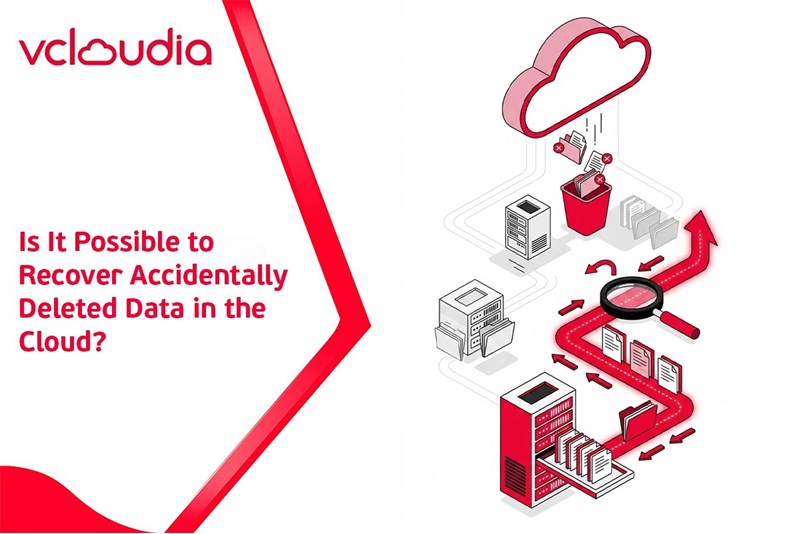
Is it really possible to recover accidentally deleted data in the cloud?
Data accidentally deleted in the cloud can absolutely be recovered. The majority of cloud storage platforms design a temporary storage system for deleted files. Instead of permanently deleting them immediately, files are usually moved to the trash or a hidden state so that users can restore them. Depending on the service, this mechanism may vary:
- Some platforms save files in the trash (Trash or Recycle Bin) - Some services hide deleted files in the root folder - Many platforms also save older versions of the file
Typically, the retention period for deleted files will range from 30 days to 365 days depending on whether the service plan is free or paid. Thanks to this mechanism, data recovery becomes quite simple if users discover the accidental deletion early.
A guide on how to recover data on cloud storage services
When accidentally deleting data on online storage platforms, users can still recover it if they perform the correct operations. Below is a guide to data recovery on today's popular cloud services.
Recovering data on Dropbox
For Dropbox, when a user deletes a file, that file is not immediately deleted but is moved to a hidden state within its original folder. Therefore, to find deleted data, you need to access the folder that previously contained the file → Click on the Show deleted files icon on the top toolbar.
After activating this feature, the deleted files will appear in gray within the file list. At this point, you simply need to right-click on the file to be recovered → select Restore to restore the data to its original state.
In case you want to delete it permanently, users can select Permanently delete. Additionally, Dropbox also supports the Previous versions feature, allowing you to view and restore older versions of a file if the file has been previously edited.
Recovering data on Google Drive
Google Drive utilizes a quite familiar trash mechanism similar to the Windows operating system. When a file is deleted, the system will automatically move the data to the Trash section instead of deleting it immediately.
To recover data, you just need to access Google Drive → select Trash from the left menu bar → a list of all deleted files will appear in the right pane. Here, users can select one or more files to be recovered → right-click → select Restore to bring the data back to its original location.
If you no longer need to use it, you can also select Delete forever to permanently delete the file from the system. Furthermore, to quickly clean out the entire trash, users simply need to select Empty trash, and all data within it will be completely deleted.
Recovering data on Microsoft OneDrive
Microsoft OneDrive also operates similarly to Google Drive, as deleted files are moved to the Recycle Bin. To access deleted data, you open OneDrive → select the Recycle Bin section in the lower-left corner of the interface. After opening the trash, a list of all deleted files will appear for users to easily search.
If you want to recover all data, you simply select Restore all items, and the system will restore all files to their original location. In case you only need to recover a few specific files, select the desired file → click Restore to complete. Besides that, users can also permanently delete data by selecting Empty recycle bin if they want to free up storage space.
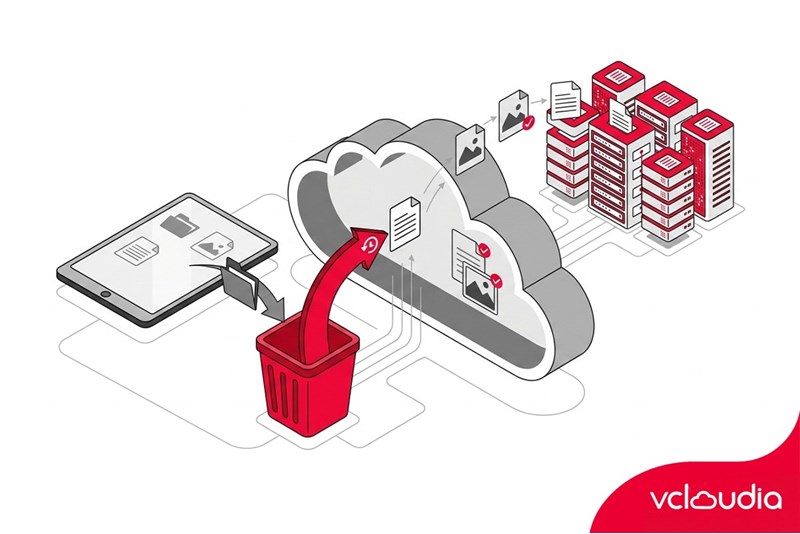
Important notes when recovering cloud data
Although it is possible to recover accidentally deleted data in the cloud, users still need to pay attention to several important factors:
File retention time is limited
Most cloud storage services only retain deleted files for about 30 days for free accounts. After the retention period expires, the system will automatically delete the data from the trash, and users cannot recover it using normal operations. Therefore, checking and recovering files should be done as soon as possible.
Do not empty the trash without checking the data first
Files deleted on Google Drive or OneDrive are usually moved to the trash before being permanently deleted. When a user chooses to empty the entire trash, all the data inside will be completely removed from the storage system. Before cleaning up the trash, users should carefully check the file list to avoid losing important data.
Check the version history of the file
Some storage services like Dropbox and OneDrive offer a feature to save the version history of a file. Users can access the list of previous versions and choose to restore the appropriate one. This feature helps resolve situations where a file is overwritten or edited with incorrect content.
Back up important data
Storing data on cloud platforms provides high safety but still carries certain risks. Important files should have an additional copy saved on a personal device or another storage service. A multi-source backup strategy helps minimize the risk of data loss.
Conclusion
Through the above analysis, it can be seen that recovering accidentally deleted data in the cloud is entirely feasible. Dropbox, Google Drive, and Microsoft OneDrive all provide a temporary storage mechanism for deleted files, helping users easily recover data. Besides storing personal data on popular cloud services, many businesses today also choose more powerful infrastructure platforms to manage and protect data.
Vcloudia Cloud Server – The Cloud You Can Count On
If you're concerned about the potential limitations of Cloud Servers, Cloud server by Vcloudia is a reliable solution for businesses of all sizes. With a modern infrastructure and comprehensive customer support, Vcloudia delivers a cloud experience with:
- Powerful connectivity to ensure stable 24/7 access
- Advanced security standards, compliant with international certifications such as ISO 27001:2013, ISO 20000:2018, ISO 9001:2015
- Flexible pricing packages tailored to your specific business needs
- Expert technical support, making migration and system deployment fast, safe, and compatible
Contact information:
- Hotline: +855 888 55 66 08 (free of charge)
- Fanpage: https://www.facebook.com/vcloudia/
- Website: https://vcloudia.com
Featured news
Related news
What is a Snapshot? The Difference Between Snapshot and Backup
Snapshot is a familiar concept in data management and protection. In the context of the information technology boom, where data is a major asset for businesses, understanding Snapshots as well as their application is a key factor for enterprises to maximize technological efficiency.
What is a Firewall? The Role and Importance of Firewalls for Users
In the context of ever-increasing cyberattacks, system security has become a top priority for many enterprises. Alongside deploying antivirus software and controlling connection ports, firewalls are also considered a key solution to effectively enhance cybersecurity.
What is DDoS? Signs, Mitigation Strategies, and Effective Prevention
DDoS is a highly dangerous cyberattack that leaves severe consequences for enterprises. Therefore, gaining a clear understanding of DDoS attacks, as well as how to detect and prevent them, is a topic of significant interest to many.
What is a Trojan? How to Detect, Avoid, and Prevent It
A Trojan is a type of malicious code or software that can cause severe consequences to computer operations. So, what is a Trojan? How can you prevent a Trojan from infiltrating your computer? In the following article, Vcloudia will provide detailed information on these issues.
What is Cloud Backup? Classification, benefits, and limitations
Cloud Backup is a solution that plays an important role in backing up and recovering data when an incident occurs. So what exactly is Cloud Backup? Let's find out the details with Vcloudia in the following article.
What is Cloud Storage? Features and Benefits of Using It
Cloud Storage is the perfect storage solution alternative to bulky, space-consuming physical hard drives. So, what is Cloud Storage? Let's explore the details with Vcloudia through the following article.
What is an API? Characteristics and applications in website design
API, short for Application Programming Interface, is a concept no longer unfamiliar in the information technology field. So what exactly is an API and why is it so important? Let's find out with Vcloudia.
What is Node.js? Instructions on how to install Node.js on cPanel
Currently, it is easy to see that Node.js is being used by quite a lot of people. This is because Node.js can support users in running on multiple platforms and multiple devices.
What is Vultr VPS? Should you use Vultr VPS?
Vultr VPS is one of the best cloud storage solutions in the world. In this article, you will learn the concept: "What is Vultr VPS?", as well as understand its advantages and disadvantages.
Zoom Cloud Meeting: What is it? Basic Things You Should Know About Zoom Cloud Meeting
In 2020, Zoom Cloud Meeting became one of the leading video conferencing software applications. It allows you to virtually interact with colleagues when in-person meetings aren't possible, and it has also been very successful for social events.