



.png)



















.png)





Is Data Exposed When Using a Cloud Server? Detailed Explanation
May 29, 2026Is data exposed when using a Cloud Server? In reality, data is still at risk of exposure in the event of misconfiguration or weak security systems, however, this risk is completely controllable if businesses use reputable cloud services and implement appropriate security measures. Let's find a more specific answer with Vcloudia in the following article.
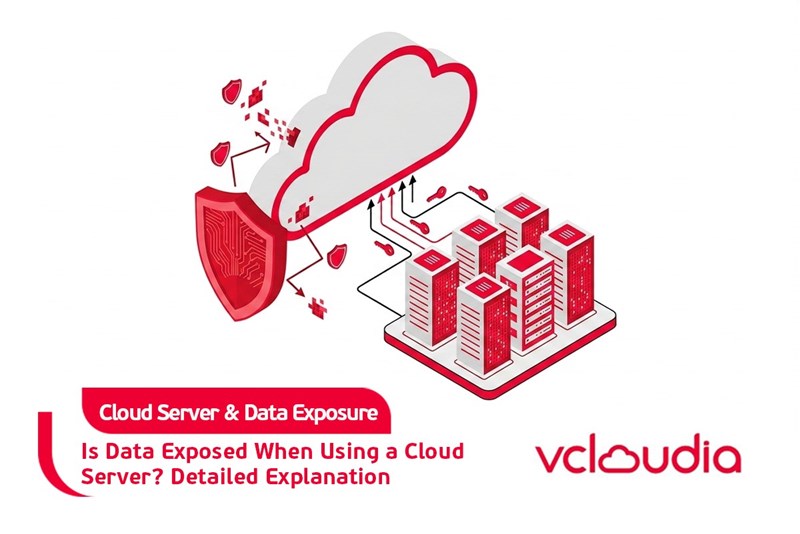
Is data exposed when using a Cloud Server?
The answer is yes, but the majority of data leakage cases do not come from the faults of the cloud platform but stem from misconfigurations or poor security management by the users. Major Cloud Server providers today all build multi-layered security infrastructure, firewall systems, and strict access control mechanisms.
However, if users misconfigure or fail to establish basic security measures, data can still be exposed. Therefore, clearly understanding the causes of data leakage on the cloud is very important to mitigate risks.
Causes of data exposure when using a Cloud Server
There are many factors that can lead to data leakage when using a Cloud Server. Among them, the majority of security incidents stem from configuration errors or improper system management.
System configuration errors
Mistakes during the system configuration process are the most common cause leading to data exposure on the cloud. Examples include leaving storage in public mode, APIs not requiring authentication, or overly broad access decentralization.
When security settings are not configured correctly, data can be accessed by unauthorized individuals. This often happens when businesses deploy systems quickly but have not fully checked the security settings.
Cyber attacks
Cyber attacks can also cause data on Cloud Servers to be stolen. Hackers can use methods such as malware, viruses, or exploiting security vulnerabilities to infiltrate the system.
If the system is not updated regularly or lacks suitable security solutions, the risk of being attacked will be higher. This is the reason why businesses need to deploy multiple layers of protection for their cloud infrastructure.
Poor data management
Some businesses have not built clear data management processes when using the cloud. Failing to back up data periodically or not establishing clear access policies can cause data to be lost or leaked. In addition, using weak passwords or sharing administrative accounts can also increase the risk of information exposure.
Using disreputable cloud providers
Some cheap cloud services on the market may not fully ensure security standards. These systems may lack protection layers such as firewalls, data encryption, or system monitoring mechanisms. When using cloud services that do not guarantee secure infrastructure, corporate data may face more risks.
How to mitigate the risk of data exposure when using a Cloud Server
Although data can be exposed without appropriate security measures, businesses can completely minimize the risk by correctly applying security solutions.
Careful system security configuration
One of the most important ways to mitigate the risk of data exposure is checking and configuring system security right from the start. Businesses need to avoid leaving data in public mode or delegating overly broad access rights to multiple accounts.
Besides that, it is necessary to establish authentication mechanisms and limit access rights to critical resources. Periodically checking security settings also helps to early detect configuration errors that can cause data leakage.
Regular data backup
Data backup is an important measure that helps businesses protect information when system incidents or cyber attacks occur. Using solutions such as Cloud Backup or Cloud Disaster Recovery helps ensure that data always has a backup copy.
When an incident occurs, the system can quickly recover data to minimize operational disruptions. Additionally, regular backups also help businesses avoid losing critical data during the operation process.
Choosing a reputable Cloud Server provider
Choosing a reputable Cloud Server provider will help businesses significantly reduce security risks. Major providers often possess internationally standardized Data Center systems and multiple security layers for their cloud infrastructure.
Moreover, they also provide monitoring and system protection tools against cyber attacks. The 24/7 technical support team also helps businesses handle incidents quickly when necessary.
Complying with data security processes
Businesses should build clear data management and security processes when using a Cloud Server. Important data must be encrypted and only allow access for authorized individuals.
Using strong passwords and changing them periodically also helps enhance system security. Furthermore, training personnel on information security will help mitigate risks caused by human errors.
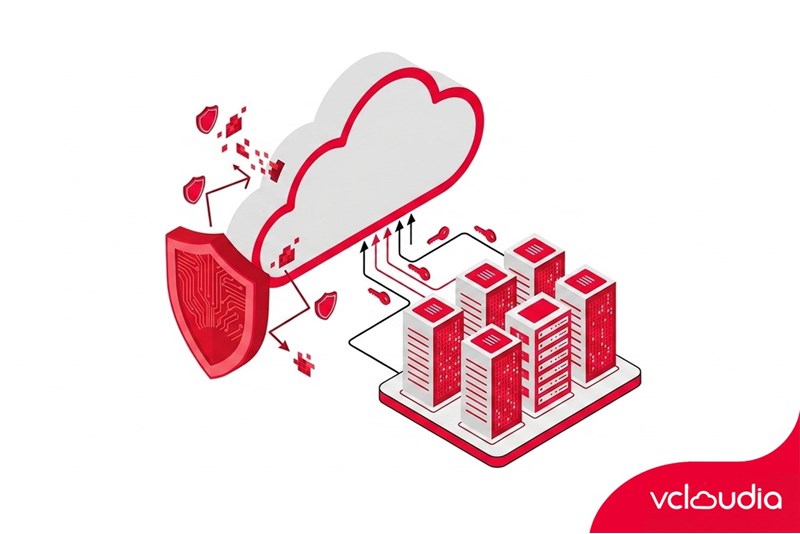
Conclusion
The answer to the question of whether data is exposed when using a Cloud Server is that it can happen, but the majority of the risk comes from configuration errors or improper security management. When businesses deploy suitable security systems and choose reputable cloud providers, the risk of data leakage will be significantly minimized.
Vcloudia Cloud Server – The Cloud You Can Count On
If you're concerned about the potential limitations of Cloud Servers, Cloud server by Vcloudia is a reliable solution for businesses of all sizes. With a modern infrastructure and comprehensive customer support, Vcloudia delivers a cloud experience with:
- Powerful connectivity to ensure stable 24/7 access
- Advanced security standards, compliant with international certifications such as ISO 27001:2013, ISO 20000:2018, ISO 9001:2015
- Flexible pricing packages tailored to your specific business needs
- Expert technical support, making migration and system deployment fast, safe, and compatible
Contact information:
- Hotline: +855 888 55 66 08 (free of charge)
- Fanpage: https://www.facebook.com/vcloudia/
- Website: https://vcloudia.com
Featured news
Related news
What is a Snapshot? The Difference Between Snapshot and Backup
Snapshot is a familiar concept in data management and protection. In the context of the information technology boom, where data is a major asset for businesses, understanding Snapshots as well as their application is a key factor for enterprises to maximize technological efficiency.
What is a Firewall? The Role and Importance of Firewalls for Users
In the context of ever-increasing cyberattacks, system security has become a top priority for many enterprises. Alongside deploying antivirus software and controlling connection ports, firewalls are also considered a key solution to effectively enhance cybersecurity.
What is DDoS? Signs, Mitigation Strategies, and Effective Prevention
DDoS is a highly dangerous cyberattack that leaves severe consequences for enterprises. Therefore, gaining a clear understanding of DDoS attacks, as well as how to detect and prevent them, is a topic of significant interest to many.
What is a Trojan? How to Detect, Avoid, and Prevent It
A Trojan is a type of malicious code or software that can cause severe consequences to computer operations. So, what is a Trojan? How can you prevent a Trojan from infiltrating your computer? In the following article, Vcloudia will provide detailed information on these issues.
What is Cloud Backup? Classification, benefits, and limitations
Cloud Backup is a solution that plays an important role in backing up and recovering data when an incident occurs. So what exactly is Cloud Backup? Let's find out the details with Vcloudia in the following article.
What is Cloud Storage? Features and Benefits of Using It
Cloud Storage is the perfect storage solution alternative to bulky, space-consuming physical hard drives. So, what is Cloud Storage? Let's explore the details with Vcloudia through the following article.
What is an API? Characteristics and applications in website design
API, short for Application Programming Interface, is a concept no longer unfamiliar in the information technology field. So what exactly is an API and why is it so important? Let's find out with Vcloudia.
What is Node.js? Instructions on how to install Node.js on cPanel
Currently, it is easy to see that Node.js is being used by quite a lot of people. This is because Node.js can support users in running on multiple platforms and multiple devices.
What is Vultr VPS? Should you use Vultr VPS?
Vultr VPS is one of the best cloud storage solutions in the world. In this article, you will learn the concept: "What is Vultr VPS?", as well as understand its advantages and disadvantages.
Zoom Cloud Meeting: What is it? Basic Things You Should Know About Zoom Cloud Meeting
In 2020, Zoom Cloud Meeting became one of the leading video conferencing software applications. It allows you to virtually interact with colleagues when in-person meetings aren't possible, and it has also been very successful for social events.