


.png)














.png)





What is a tower server? How to choose a tower server for businesses
May 28, 2026A tower server is an independent server with a vertical design similar to a PC but optimized for continuous operation, centralized storage, running internal applications, and deploying virtualization. With reasonable costs, flexible upgrade capabilities, and easy management, tower servers are a popular choice for small and medium-sized enterprises. Vcloudia will help you better understand what a tower server is and how to choose the right tower server.
What is a tower server?
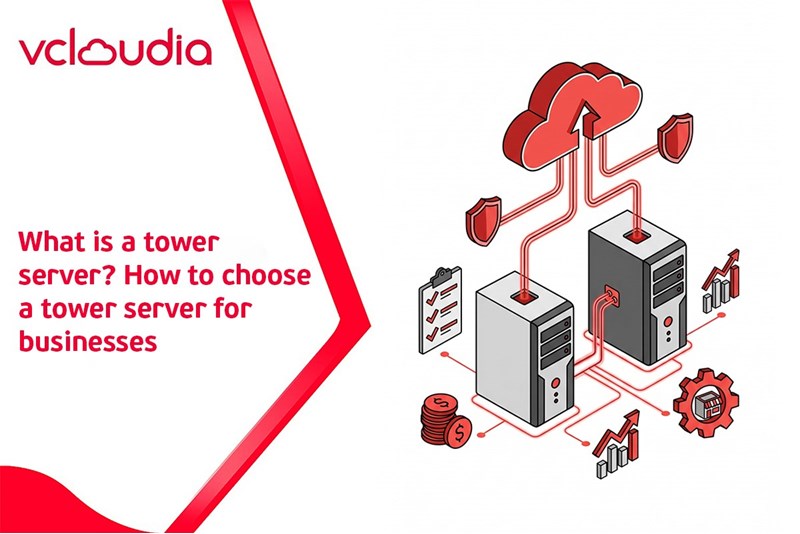
A tower server is a standalone server that operates as an independent unit. A tower server resembles the form factor of a desktop computer but is optimized for server tasks such as data storage and sharing. With a simple structure that is easy to deploy and operate, a tower server becomes an ideal choice for small and medium-sized enterprises.
Key features:
- Independent design: Has its own chassis, requiring no rack cabinet for installation.
- Scalability: Easy to add RAM, hard drives, expansion cards (PCIe), or GPUs.
- Efficient cooling: Large space, stable cooling fans, and low noise.
- Office-friendly: Can be placed directly in the workspace without causing loud noise.
Pros and cons of tower servers
After understanding what a tower server is, evaluating its pros and cons is an important step to help you determine whether this server line suits your operational needs. Tower servers offer many advantages in terms of performance, cost, and flexibility, but there are also some limitations when scaling up or deploying in a data center environment.
Practical uses of tower servers
Tower servers perform most of the functions of a traditional server, being particularly suitable for the common work needs in small and medium-sized enterprises. They are used for roles such as
- Servers for small - medium enterprises: With reasonable costs and simple management, tower servers well cater to basic services like email, web hosting, and internal file sharing. For example, a small office can use a tower server to store files, provide email for employees, and run internal applications.
- Data storage (File Server/NAS/SAN): Tower servers can be used as a centralized repository for customer data, financial records, and sales reports. It is possible to configure RAID or connect to NAS/SAN to accelerate access speed and security.
- Web servers and web applications: Running websites, e-commerce applications, or internal portals. Tower servers easily upgrade CPU and RAM when an increase in performance is needed without affecting the main system.
- Enterprise application servers (CRM, ERP,…): Operating internal management software, handling medium computing tasks, and maintaining 24/7 stability right in the office without the need to rent a datacenter.
- Other specific applications: Serving school management, student record storage, Wi-Fi systems, labs, or branch offices requiring independent infrastructure.
Factors to consider when choosing a tower server
Choosing the right tower server plays a decisive role in the operational performance, security capabilities, and IT infrastructure scalability within an enterprise. Below are the important characteristics that you should carefully consider before investing:
Types of tower servers suitable for business needs
Currently, Tower Servers are divided into two main types: 1-socket and 2-socket, fitting the scale and needs of each business.
Performance and processing capabilities
- CPU (Central Processing Unit): You should choose powerful CPU lines like Intel Xeon or AMD EPYC, supporting from one to two sockets depending on work needs. The more cores the CPU has, the more suitable it is for multitasking or compute-intensive applications.
- RAM (Memory): Prioritize servers with a sufficiently large RAM capacity and expansion support. Current tower server lines typically support DDR4 or DDR5 ECC, allowing upgrades up to 64GB, 128GB, or higher depending on the model.
Scalability
- Expansion slots (PCIe): Ensure the server has enough PCIe slots to install high-speed network cards (10GbE), graphics cards (for AI/ML), or RAID cards.
- Storage drives: Choose machines capable of mounting multiple HDDs/SSDs. If the business needs to store a lot of data, prioritize models supporting RAID to accelerate access speed and protect data from failure. The combination of large-capacity HDDs and high-speed SSDs will deliver optimal efficiency.
Integration and compatibility capabilities
- Infrastructure compatibility: The server needs to be compatible with existing infrastructure components such as the network system, NAS/SAN, or cloud storage solutions that the business is using.
- Software integration capability: Make sure the server is compatible with the operating system, virtualization platforms (VMware, Hyper-V), or internal management software like ERP and CRM that your business is deploying.
Security and remote management
- Security features: Select servers that support hardware encryption, BIOS/UEFI access protection, user authentication, and advanced security layers like TPM (Trusted Platform Module).
- Remote management tools: Prioritize server lines that support technologies such as Dell iDRAC, HPE iLO, and Lenovo IMM for easy remote configuration, monitoring, and troubleshooting without requiring physical intervention.
Pricing and budget
- Overall budget: Besides the initial purchase cost, consider long-term operational costs: electricity, maintenance, upgrades, licensed software,... Choosing a server with a suitable price that still meets performance and stability is an important balancing act.
- Brand and product line comparison: Dell Tower servers often have many segments from T40 to T550 to suit various budget levels. You should consult prices along with genuine warranties to get a complete view.
Support services and warranty policies
- Technical services: Prioritize brands with prompt technical support teams, ready to advise, and support remote or on-site installation and maintenance.
- Warranty: You should choose products from major brands (Dell, HPE, Lenovo...) with a hardware warranty of at least 36 months, accompanied by an extended warranty option if needed.
Comparison of Tower Servers, Rack Servers, and Blade Servers
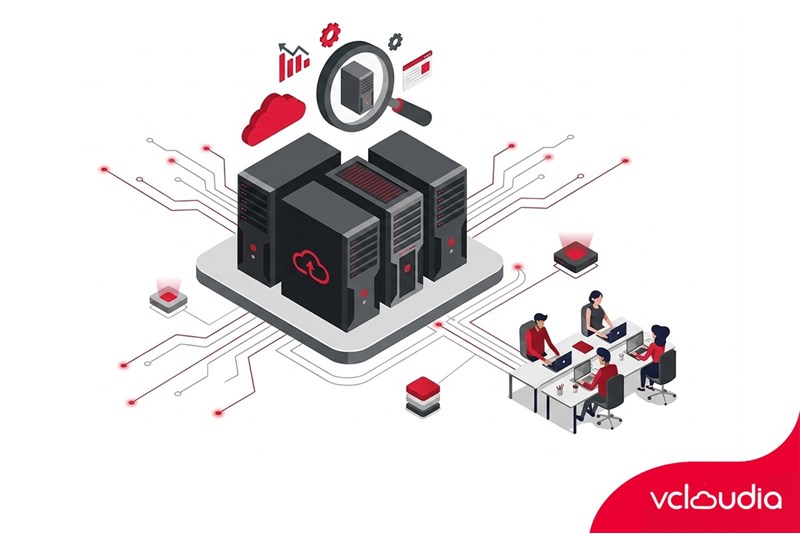
Besides understanding what a tower server is, businesses are also interested in other types of servers to consider suitability for the company's scale and needs. Below is a comparison table of Tower Servers, Rack Servers, and Blade Servers:
Conclusion
Through the above sharing, you have surely understood clearly what a tower server is and its practical applications in businesses. To ensure stable performance and professionalism when expanding the system, you should consider combining tower servers with dedicated data center infrastructure.
Vcloudia Cloud Server – The Cloud You Can Count On
If you're concerned about the potential limitations of Cloud Servers, Cloud server by Vcloudia is a reliable solution for businesses of all sizes. With a modern infrastructure and comprehensive customer support, Vcloudia delivers a cloud experience with:
- Powerful connectivity to ensure stable 24/7 access
- Advanced security standards, compliant with international certifications such as ISO 27001:2013, ISO 20000:2018, ISO 9001:2015
- Flexible pricing packages tailored to your specific business needs
- Expert technical support, making migration and system deployment fast, safe, and compatible
Contact information:
- Hotline: +855 888 55 66 08 (free of charge)
- Fanpage: https://www.facebook.com/vcloudia/
- Website: https://vcloudia.com
Featured news
Related news
What is a Snapshot? The Difference Between Snapshot and Backup
Snapshot is a familiar concept in data management and protection. In the context of the information technology boom, where data is a major asset for businesses, understanding Snapshots as well as their application is a key factor for enterprises to maximize technological efficiency.
What is a Firewall? The Role and Importance of Firewalls for Users
In the context of ever-increasing cyberattacks, system security has become a top priority for many enterprises. Alongside deploying antivirus software and controlling connection ports, firewalls are also considered a key solution to effectively enhance cybersecurity.
What is DDoS? Signs, Mitigation Strategies, and Effective Prevention
DDoS is a highly dangerous cyberattack that leaves severe consequences for enterprises. Therefore, gaining a clear understanding of DDoS attacks, as well as how to detect and prevent them, is a topic of significant interest to many.
What is a Trojan? How to Detect, Avoid, and Prevent It
A Trojan is a type of malicious code or software that can cause severe consequences to computer operations. So, what is a Trojan? How can you prevent a Trojan from infiltrating your computer? In the following article, Vcloudia will provide detailed information on these issues.
What is Cloud Backup? Classification, benefits, and limitations
Cloud Backup is a solution that plays an important role in backing up and recovering data when an incident occurs. So what exactly is Cloud Backup? Let's find out the details with Vcloudia in the following article.
What is Cloud Storage? Features and Benefits of Using It
Cloud Storage is the perfect storage solution alternative to bulky, space-consuming physical hard drives. So, what is Cloud Storage? Let's explore the details with Vcloudia through the following article.
What is an API? Characteristics and applications in website design
API, short for Application Programming Interface, is a concept no longer unfamiliar in the information technology field. So what exactly is an API and why is it so important? Let's find out with Vcloudia.
What is Node.js? Instructions on how to install Node.js on cPanel
Currently, it is easy to see that Node.js is being used by quite a lot of people. This is because Node.js can support users in running on multiple platforms and multiple devices.
What is Vultr VPS? Should you use Vultr VPS?
Vultr VPS is one of the best cloud storage solutions in the world. In this article, you will learn the concept: "What is Vultr VPS?", as well as understand its advantages and disadvantages.
Zoom Cloud Meeting: What is it? Basic Things You Should Know About Zoom Cloud Meeting
In 2020, Zoom Cloud Meeting became one of the leading video conferencing software applications. It allows you to virtually interact with colleagues when in-person meetings aren't possible, and it has also been very successful for social events.