



.png)



















.png)





Hidden costs of using cheap Cloud services that businesses often overlook
Apr 23, 2026An increasing number of businesses are choosing cheap Cloud services with the expectation of saving costs; however, behind those attractive prices lie a series of hidden costs that, if not carefully evaluated, will cost businesses dearly. Not only do they increase overall costs, but these incurred fees also directly affect operational efficiency and long-term development.
In this article, let’s join Vcloudia to analyze in detail the common types of hidden costs when using cheap Cloud and how businesses can proactively control them.
Types of hidden costs businesses often do not anticipate
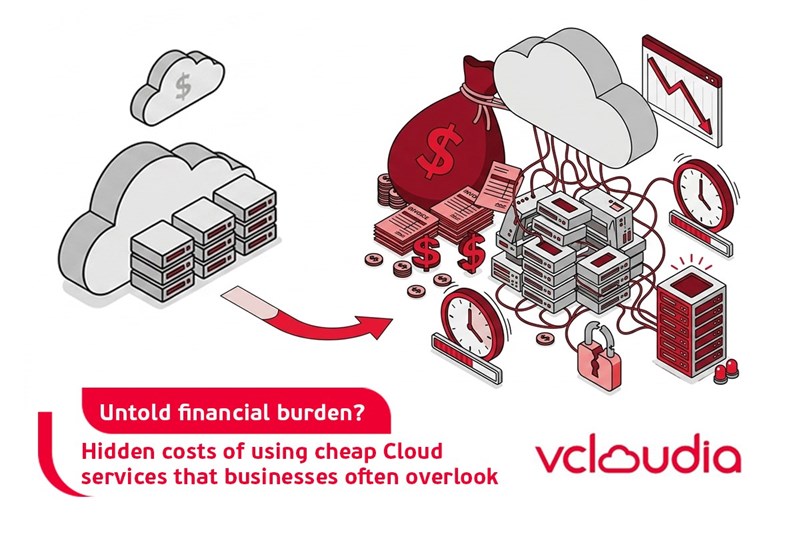
Behind the attractive prices of cheap Cloud services are many hidden costs that businesses can easily miss if not carefully evaluated from the start. These costs are often not clearly shown in the price list, but arise during actual use and can cause the Total Cost of Ownership (TCO) to increase higher than expected. To help businesses be more proactive in choosing and using Cloud effectively, below are the most common hidden costs to keep in mind.
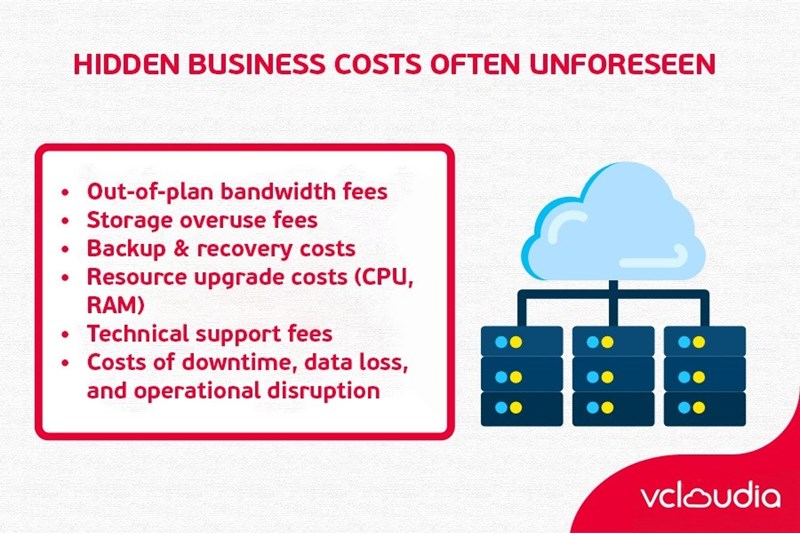
1. Out-of-package Bandwidth fees
One of the most common hidden costs is excess bandwidth fees. Most cheap Cloud packages only allow limited upload/download traffic and will charge very high fees when businesses exceed that threshold. Particularly, when websites or applications have sudden traffic spikes – such as promotion seasons or new product launches – bandwidth costs can spike without businesses being able to react in time. If not planned for in advance, the IT budget will be seriously affected.
2. Storage Overuse Fee
Many Cloud providers advertise extremely low server prices, but they come with very limited default storage capacity. When storage needs increase – such as backing up more data or expanding storage files – businesses will have to purchase additional capacity at surprisingly high rates. This is a potential fee that causes total storage costs to escalate quickly if not controlled from the beginning.
3. Backup & Recovery Cost
Not every Cloud service includes automatic data backup features in the basic package. Some providers require additional fees to enable periodic backup features or to restore data after an incident. In the event of data loss, recovery costs will also be charged separately and are often very expensive. Lack of preparation for backup costs leaves many businesses facing major data risks.
4. Resource upgrade costs (CPU, RAM)
Cheap Cloud packages often limit CPU and RAM to a minimum to keep prices low. When the system needs to scale to meet growing business demands, each resource upgrade incurs significant additional costs. If upgraded multiple times, the total cost can far exceed choosing a stable Cloud package from the start.
5. Support Fee
Many cheap Cloud services only offer free basic support via tickets or email with long response times. If businesses need in-depth technical support – such as emergency troubleshooting, system optimization, or backup restoration – these services will be charged hourly or by package. The cost for each technical incident handling can reach millions of dong, creating an unexpected burden for the business.
6. Costs of downtime, data loss, and operational disruption
Another major risk when choosing cheap Cloud is the lack of a clear SLA (Service Level Agreement) commitment regarding uptime. Downtime incidents can occur frequently, causing operational disruptions, loss of revenue, and brand reputation. In addition to direct costs from downtime, businesses also face indirect costs such as losing customers, reduced user experience, and expensive remedial efforts.
Long-term impacts when businesses do not carefully evaluate total Cloud costs
When businesses only focus on the initial server rental price and ignore hidden costs, the actual total operating cost will be much higher than planned. This affects the budget, making financial management difficult, especially for small and medium-sized enterprises. An unstable Cloud system prone to downtime will also limit the ability to scale and implement new business strategies.
Furthermore, choosing the wrong Cloud provider can lead to the need to migrate the system to another platform in the future. This process not only costs more for re-implementation but also consumes a lot of time and effort, even causing business disruptions. The risk of data loss or reduced service quality during migration will also heavily impact the corporate brand.
The biggest risk of misassessing total Cloud costs is data loss and business disruption. Incidents such as prolonged downtime or unrecoverable data loss can cause damages of hundreds of millions or even billions of dong, seriously undermining the trust of customers and partners.
How to choose quality Cloud services
To avoid hidden costs and unnecessary risks, businesses need to change their approach when choosing Cloud services. Don’t just look at the server rental price; evaluate the overall service based on criteria of cost transparency, operational performance, and technical support quality.
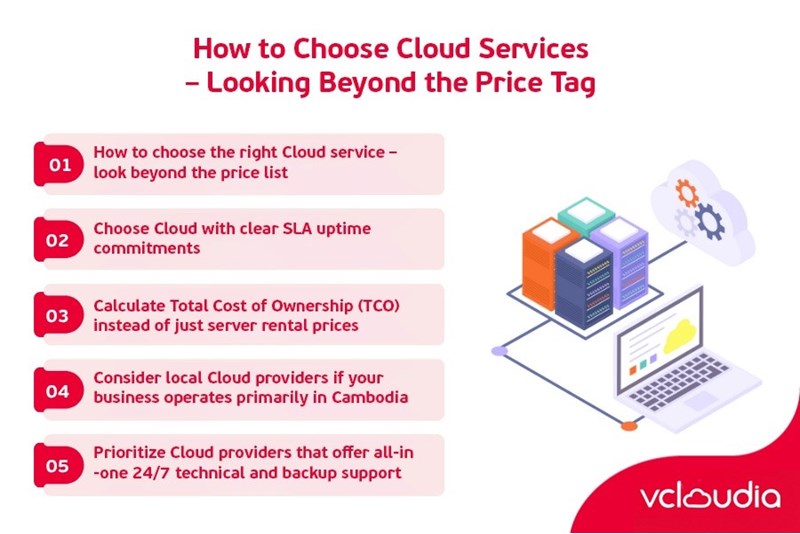
1. Prioritize providers that disclose detailed costs for bandwidth, storage, and backup
A professional Cloud provider will always clearly disclose the detailed price list for each service: bandwidth, storage, backup, and other supplementary services. Businesses should request detailed documentation or a sample contract to understand exactly how much they will pay in each usage scenario. This helps in budgeting close to reality and avoids surprises when costs arise.
2. Choose Cloud with a clear uptime SLA commitment
SLA (Service Level Agreement) is a commitment regarding the level of service between the provider and the customer. A reputable Cloud provider will have an SLA committing to 99.9% uptime or higher, accompanied by a clear compensation policy if violated. This is an extremely important factor to ensure continuous system operation and limit downtime that causes damage to the business.
3. Calculate Total Cost of Ownership (TCO) instead of just looking at server rental prices
Total Cost of Ownership (TCO) includes all costs related to using the Cloud: from server rental fees, bandwidth, storage, backup, and resource upgrades to technical support fees. Businesses need to comprehensively calculate TCO over 1–3 years to have a realistic view of costs and avoid making wrong choices due to low server rental prices.
4. Consider domestic Cloud if the business operates primarily in Cambodia
If a business operates primarily in Cambodia, using domestic Cloud services will bring many advantages: faster access speeds, lower bandwidth costs, and easier access to local technical support. At the same time, domestic Cloud providers also understand legal regulations and data security suitable for Cambodian standards.
5. Prioritize Cloud providers with 24/7 all-inclusive backup and technical support
In today’s 24/7 operating environment, continuous technical support and readily available secure backup solutions are essential. Businesses should prioritize Cloud providers that integrate periodic backup services, rapid data recovery, and 24/7 direct technical support without incurring significant additional costs.
Vcloudia Cloud Server – The Cloud You Can Count On
If you're concerned about the potential limitations of Cloud Servers, Cloud server by Vcloudia is a reliable solution for businesses of all sizes. With a modern infrastructure and comprehensive customer support, Vcloudia delivers a cloud experience with:
- Powerful connectivity to ensure stable 24/7 access
- Advanced security standards, compliant with international certifications such as ISO 27001:2013, ISO 20000:2018, ISO 9001:2015
- Flexible pricing packages tailored to your specific business needs
- Expert technical support, making migration and system deployment fast, safe, and compatible
Contact information:
- Hotline: +855 888 55 66 08 (free of charge)
- Fanpage: https://www.facebook.com/vcloudia/
- Website: https://vcloudia.com
Featured news
Related news
What is a Snapshot? The Difference Between Snapshot and Backup
Snapshot is a familiar concept in data management and protection. In the context of the information technology boom, where data is a major asset for businesses, understanding Snapshots as well as their application is a key factor for enterprises to maximize technological efficiency.
What is a Firewall? The Role and Importance of Firewalls for Users
In the context of ever-increasing cyberattacks, system security has become a top priority for many enterprises. Alongside deploying antivirus software and controlling connection ports, firewalls are also considered a key solution to effectively enhance cybersecurity.
What is DDoS? Signs, Mitigation Strategies, and Effective Prevention
DDoS is a highly dangerous cyberattack that leaves severe consequences for enterprises. Therefore, gaining a clear understanding of DDoS attacks, as well as how to detect and prevent them, is a topic of significant interest to many.
What is a Trojan? How to Detect, Avoid, and Prevent It
A Trojan is a type of malicious code or software that can cause severe consequences to computer operations. So, what is a Trojan? How can you prevent a Trojan from infiltrating your computer? In the following article, Vcloudia will provide detailed information on these issues.
What is Cloud Backup? Classification, benefits, and limitations
Cloud Backup is a solution that plays an important role in backing up and recovering data when an incident occurs. So what exactly is Cloud Backup? Let's find out the details with Vcloudia in the following article.
What is Cloud Storage? Features and Benefits of Using It
Cloud Storage is the perfect storage solution alternative to bulky, space-consuming physical hard drives. So, what is Cloud Storage? Let's explore the details with Vcloudia through the following article.
What is an API? Characteristics and applications in website design
API, short for Application Programming Interface, is a concept no longer unfamiliar in the information technology field. So what exactly is an API and why is it so important? Let's find out with Vcloudia.
What is Node.js? Instructions on how to install Node.js on cPanel
Currently, it is easy to see that Node.js is being used by quite a lot of people. This is because Node.js can support users in running on multiple platforms and multiple devices.
What is Vultr VPS? Should you use Vultr VPS?
Vultr VPS is one of the best cloud storage solutions in the world. In this article, you will learn the concept: "What is Vultr VPS?", as well as understand its advantages and disadvantages.
Zoom Cloud Meeting: What is it? Basic Things You Should Know About Zoom Cloud Meeting
In 2020, Zoom Cloud Meeting became one of the leading video conferencing software applications. It allows you to virtually interact with colleagues when in-person meetings aren't possible, and it has also been very successful for social events.